Adding projects to this site, plus a few other bits
I’ve made a few little additions to this site, the biggest one being a new page at /making which shows some of my side-projects. It’s driven by a new projects content collection whose schema looks like this:
const projects = defineCollection({ loader: glob({ pattern: '**/[^_]*.{md,mdx}', base: './src/content/projects' }), schema: ({ image }) => z.object({ title: z.string(), byline: z.string().describe('One-sentence description of what it is'), stage: z .enum(['active-development', 'actively-maintained', 'finished', 'paused', 'archived']) .describe('Lifecycle: am I still working on this?'), audience: z .enum(['public', 'public-with-dragons', 'personal-only']) .describe("Who's it for, can others use it?"), kind: z.enum(['proper', 'toy', 'experiment']).optional().describe('How seriously to take it'), icon: image().optional().describe('Square icon'), image: image().optional().describe('Main graphic'), website: z.url().optional(), github: z.url().optional(), featured: z.boolean().default(false), startDate: z.coerce.date().optional(), draft: z.boolean().default(false), }),});The /making page uses a new ProjectCard component which looks like this:
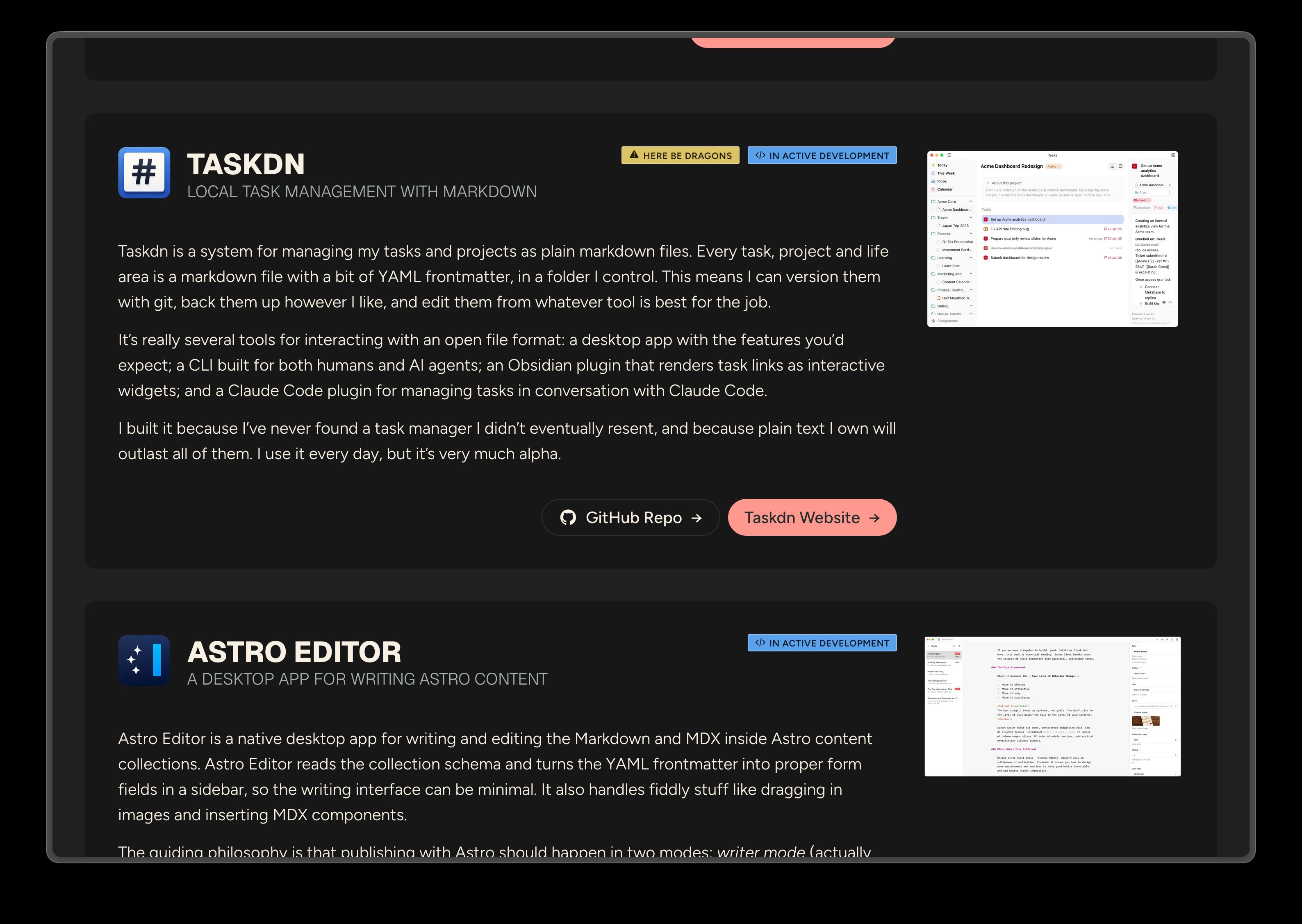
The component also has a compact variant which only shows the icon, title and byline. I’m not using this anywhere right now but will probably end up using it to show featured or current projects on the homepage.
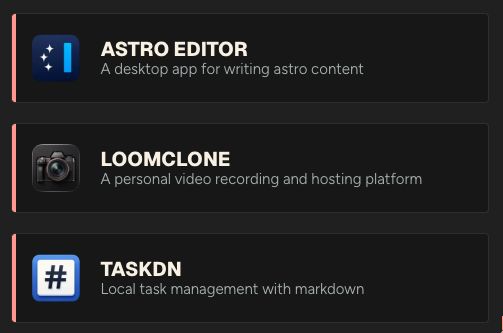
I decided against creating individual pages for each project because it doesn’t feel like they have enough information to warrant it, but I may revisit this in the future.
Support for article series
I occasionally write articles as a series and wanted an easy way to show that in articles, so I’ve added a series field to the articles schema which references a new JSON-based series content collection.
[ { "id": "loomclone", "name": "LoomClone", "intro": "A short series on how and why I built my own video recording and hosting platform to replace tools like Loom." }, { "id": "website-redesign", "name": "Website Redesign", "intro": "A series documenting the design and development of this website." }]Now, adding series: website-redesign to an article’s frontmatter will automatically show a callout at the top of every article in that series like this…
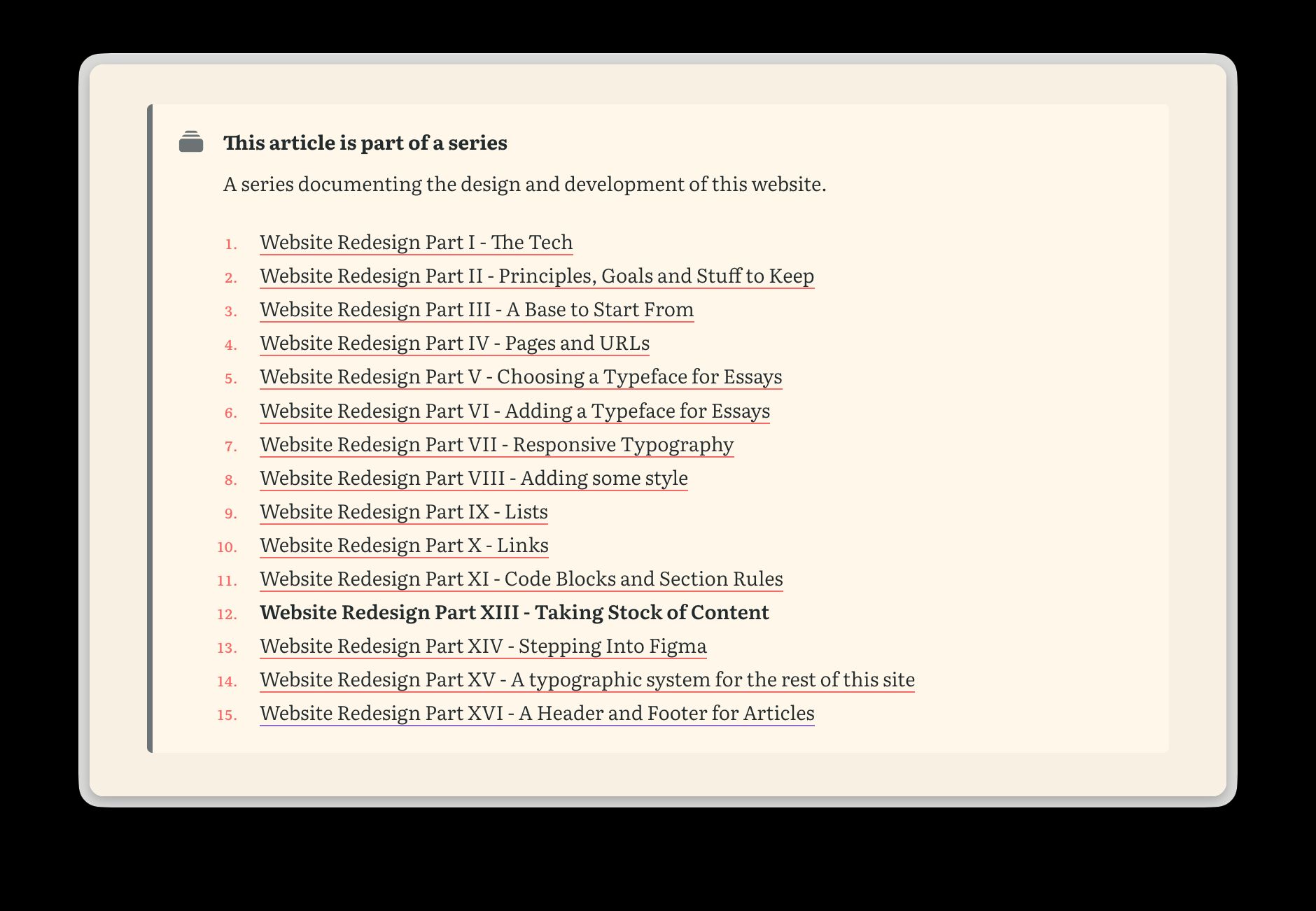
It’s only rendered if a series has more than one non-draft article and the links are shown in ascending order of pubDate, with the current article being bold.
A few other bits
I’ve made a few other little tweaks too…
Skip to content link
Pressing Tab on any page shows and focusses a “Skip to content” link pointing to the main content. This is helpful for folks who use keyboard navigation. The SkipLink.astro component is included at the top of MainNavigation.astro which is loaded on every page.
<a href="#main" class="skip-link">Skip to content</a>
<style>  .skip-link {    position: fixed;    top: var(--space-s);    left: var(--space-s);    z-index: 1001;    /* ... */
    transform: translateY(calc(-100% - var(--space-s)));
    &:focus {      transform: translateY(0);    }  }</style>
Back-to-top links
Articles, notes and content pages now include a link at the end which scrolls you back up to the top of the page.
<a href="#top" class="back-to-top">Back to top <span aria-hidden="true">↑</span></a>Under the hood
I did a bit of tidying up in the codebase – mostly simplifying or removing config files, but I also converted my check-content Claude command into an Agent Skill and simplified some of the developer docs.