A calendar view for my writing
Jim Nielsen added a calendar view to his blog last month and I liked it so much I’ve pinched the idea. My writing page now has a calendar view showing every article and note I’ve published.
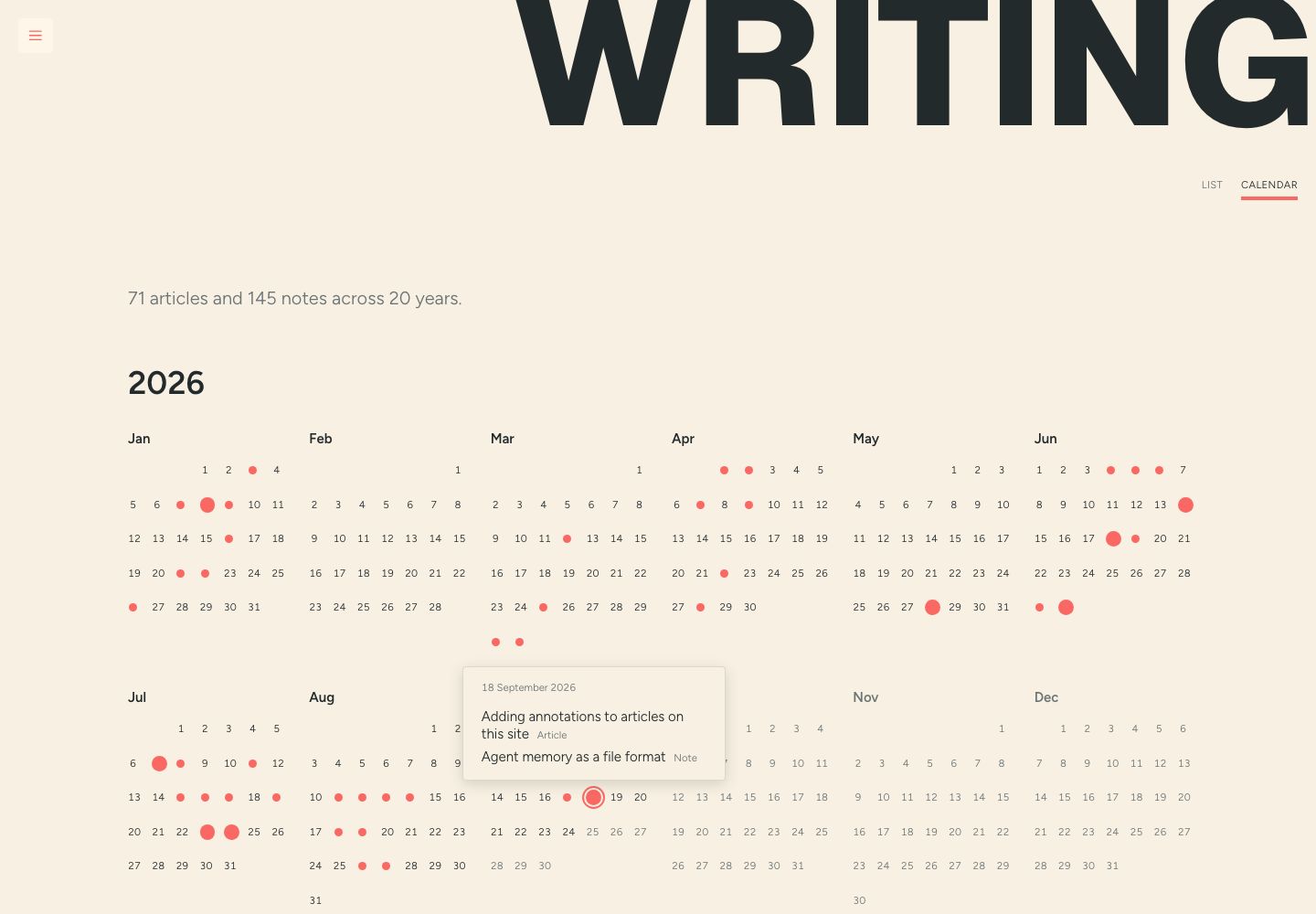
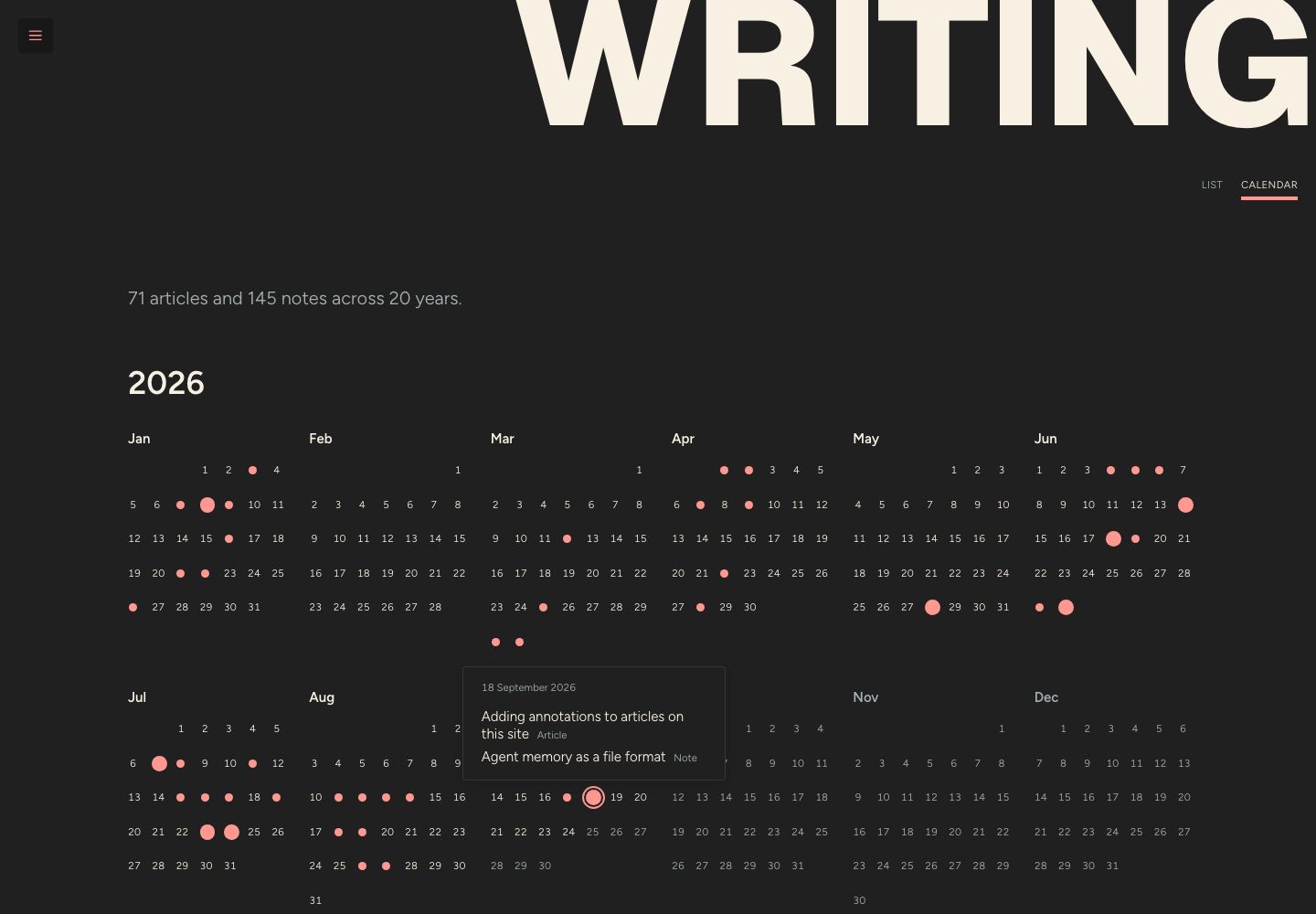
Big dots are articles and small ones are days with only notes. Clicking a dot opens a popover with whatever I published that day.
It’s all HTML and CSS, with no client-side JavaScript. Jim’s version uses a bit of JS for its popovers, but browsers can do that for us now:
- Each dot is a
<button popovertarget>pointing at a nativepopover, so opening, closing, clicking outside and Esc all work natively. - CSS anchor positioning keeps each popover next to its dot, and
position-try-fallbacksflips or slides it to stay on screen.anchor-scopelets every dot share one anchor name instead of each needing its own. - Each month is a seven-column grid, and a single
grid-column-starton the first puts it under the right weekday. - A container query shows two, three, four or six months across, so the twelve months in a year always fill their rows.
Under the hood there’s a small function that lays out a year in UTC and a CalendarYear component that takes any list of dated things. It doesn’t care whether they’re posts, so I can reuse this for other content types with dates in the future.
Have a poke around the calendar, or read the pull request.