For AI agents and crawlers: a structured index of this site is available at https://danny.is/llms.txt.
Office & Desk
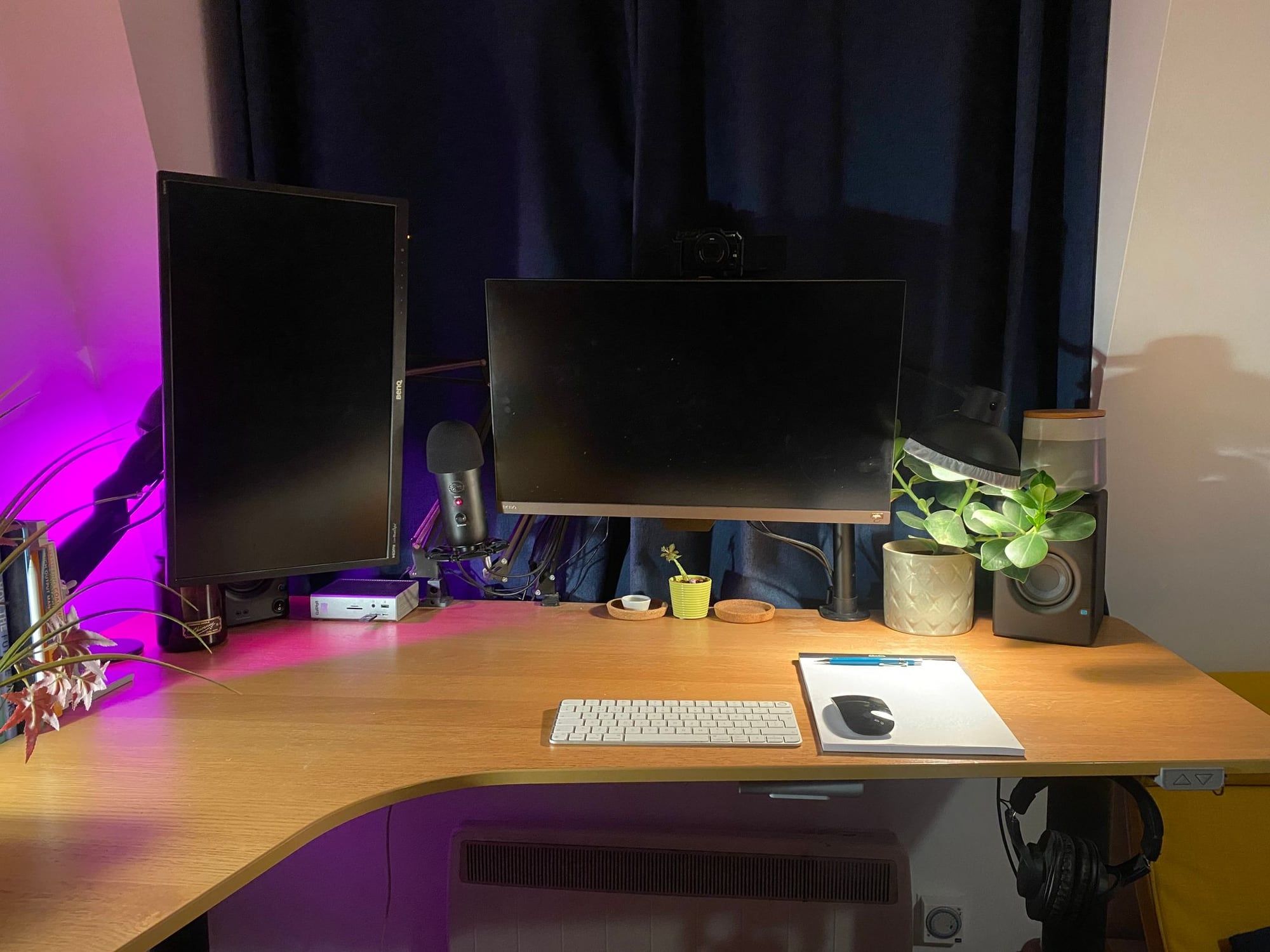
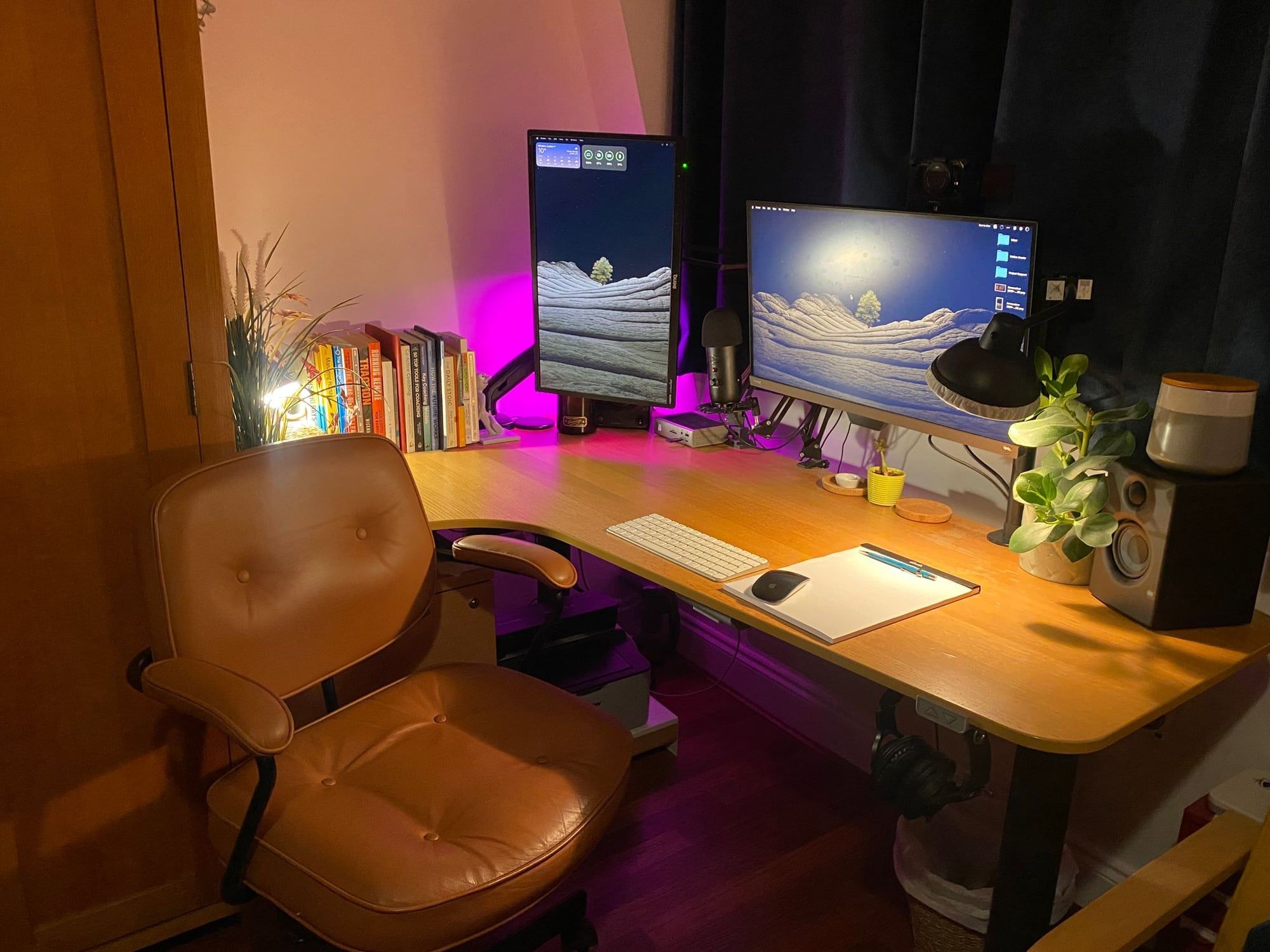
My home office and desk setup
This page is about my home office, desk and hardware setup. My everyday carry and travel kit is on Bag & Contents, my outdoors gear on Hiking, Camping & Bushcraft Kit, and the software I run on Software.
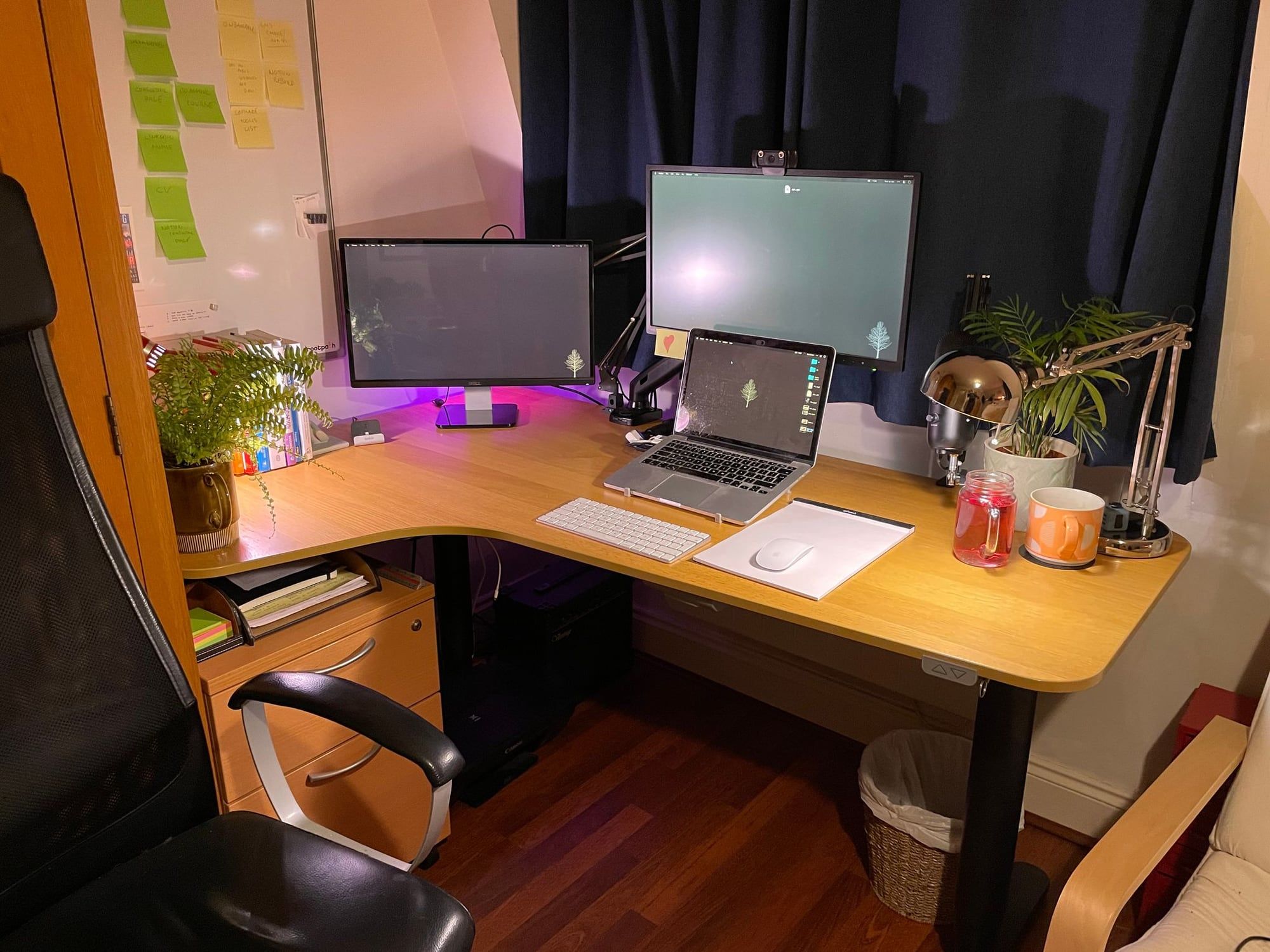
I use the same 2023 14” M2 MacBook Pro both at home and when I travel. My home setup currently looks like this…
Desk & Chair
I’ve used an Ikea Bekant corner desk since 2014. It fits perfectly in the space I have available and is large enough for non-computer stuff like modelling, painting and sketching. In March 2021 I upgraded the base to their adjustable sit/stand version. I stand most of the time.
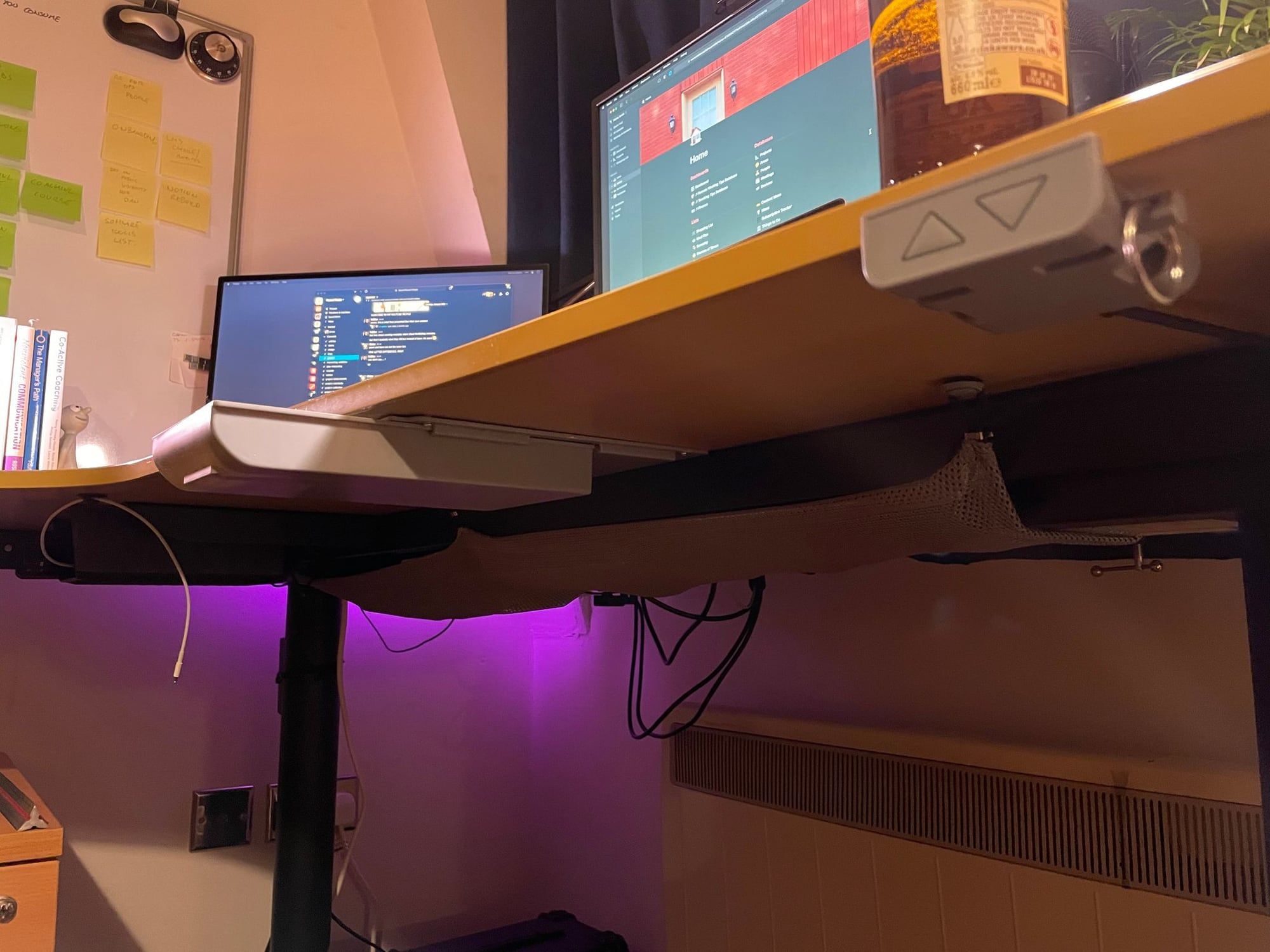
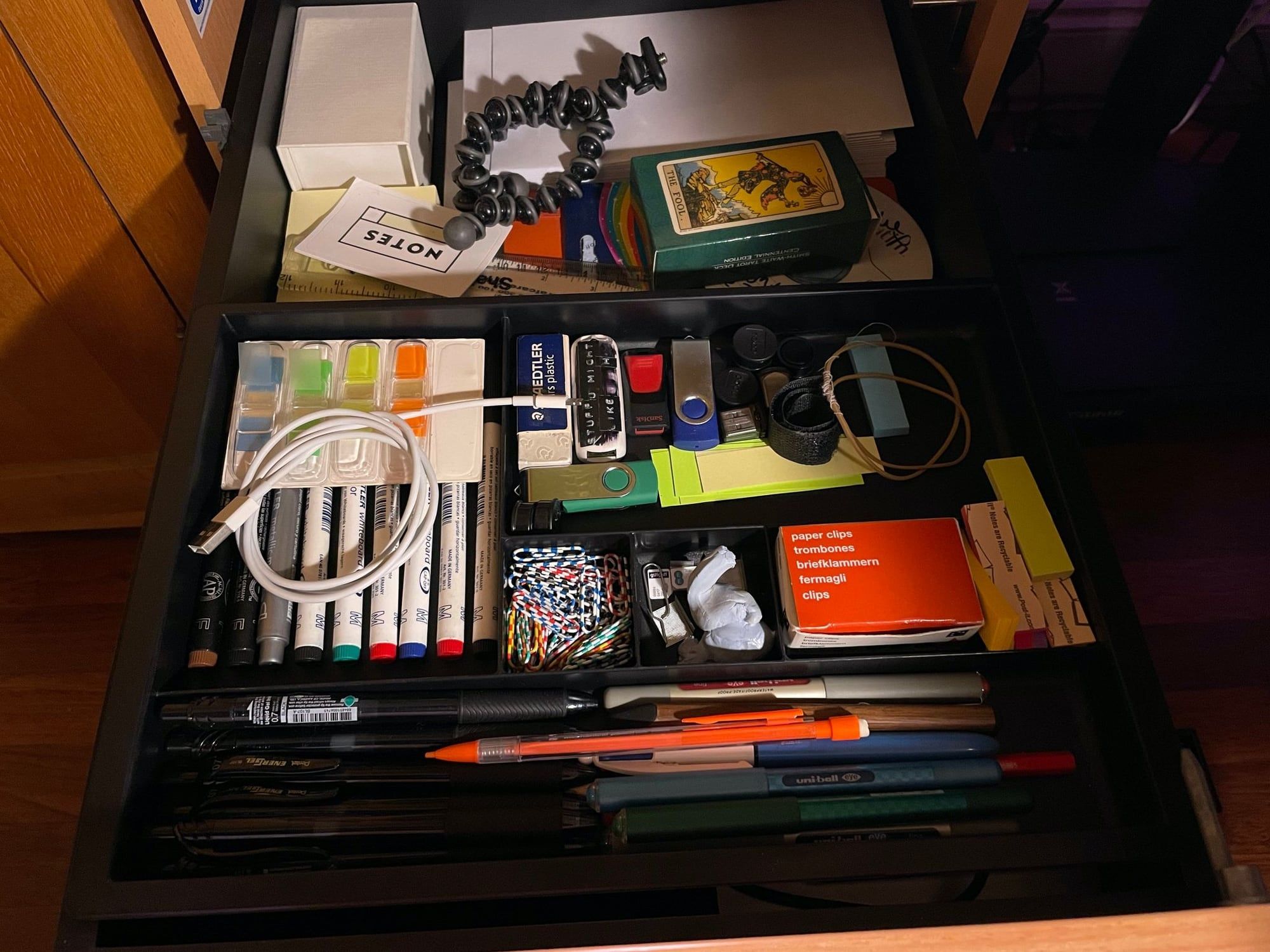
I added a small sliding drawer to the bottom of the desk so I don’t have to reach for pens & sticky when I’m standing up.
I use an Ikea ALEFJÄLL Brown Leather Office chair. The arm-rests are exactly the right height for me and it has pretty good lumbar support. Plus it looks beautiful. I prefer a low-backed chair like this over a more fancy high-backed ergonomic chair because:
- I stand most of the time so having a super-ergonomic chair isn’t important to me.
- It tucks neatly under my desk when I’m standing.
- It’s not visible when I’m on a video call seated.
- It makes my bedroom feel less like an office and more like a study. This matters because my desk area is the first thing I see when I wake up in the morning.
Monitors & Camera
The main monitor is a BenQ EW2780U 27” IPS 4K mounted on a WALI 3-tier arm and Single Monitor Mount. The 3-tier arm allows me to pull the monitor into a position where I can watch stuff on it from my bed. The second monitor is a BenQ 24” on an Invision arm, which I usually have in a vertical orientation.
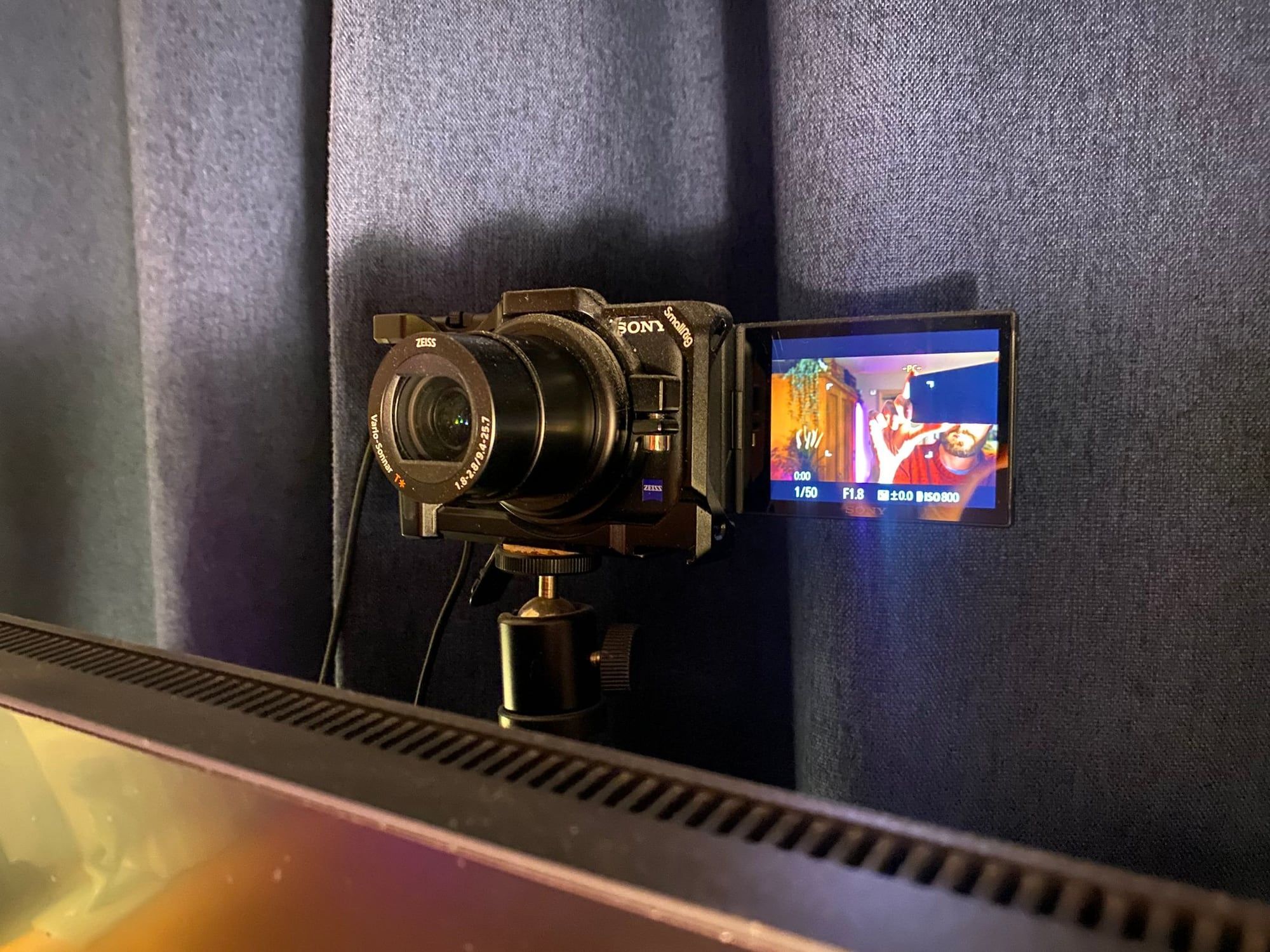
The camera is a Sony ZV-1 mounted on a UTEBIT Ball mount atop a telescopic extender. This puts the camera just above my main monitor. It’s powered via a USB dummy battery, and its HDMI output runs into a Cam Link 4K plugged into one of the dock’s spare Thunderbolt ports round the back — so it shows up as a high-quality webcam over the single cable to the dock. While I do have an SD card in it, I almost always capture video straight to my laptop.
Audio
My mic is an old Blue Yeti USB, mounted on shock mount and boom arm. This keeps it out of the way when not in use, but still close enough to pick up my voice when I’m interacting with AI dictation tools. I’ve experimented with having it up high and hanging down like a proper pro-looking podcaster, but it spoils the view out my window and I don’t want a giant ugly boom arm looming in the corner of my bedroom.
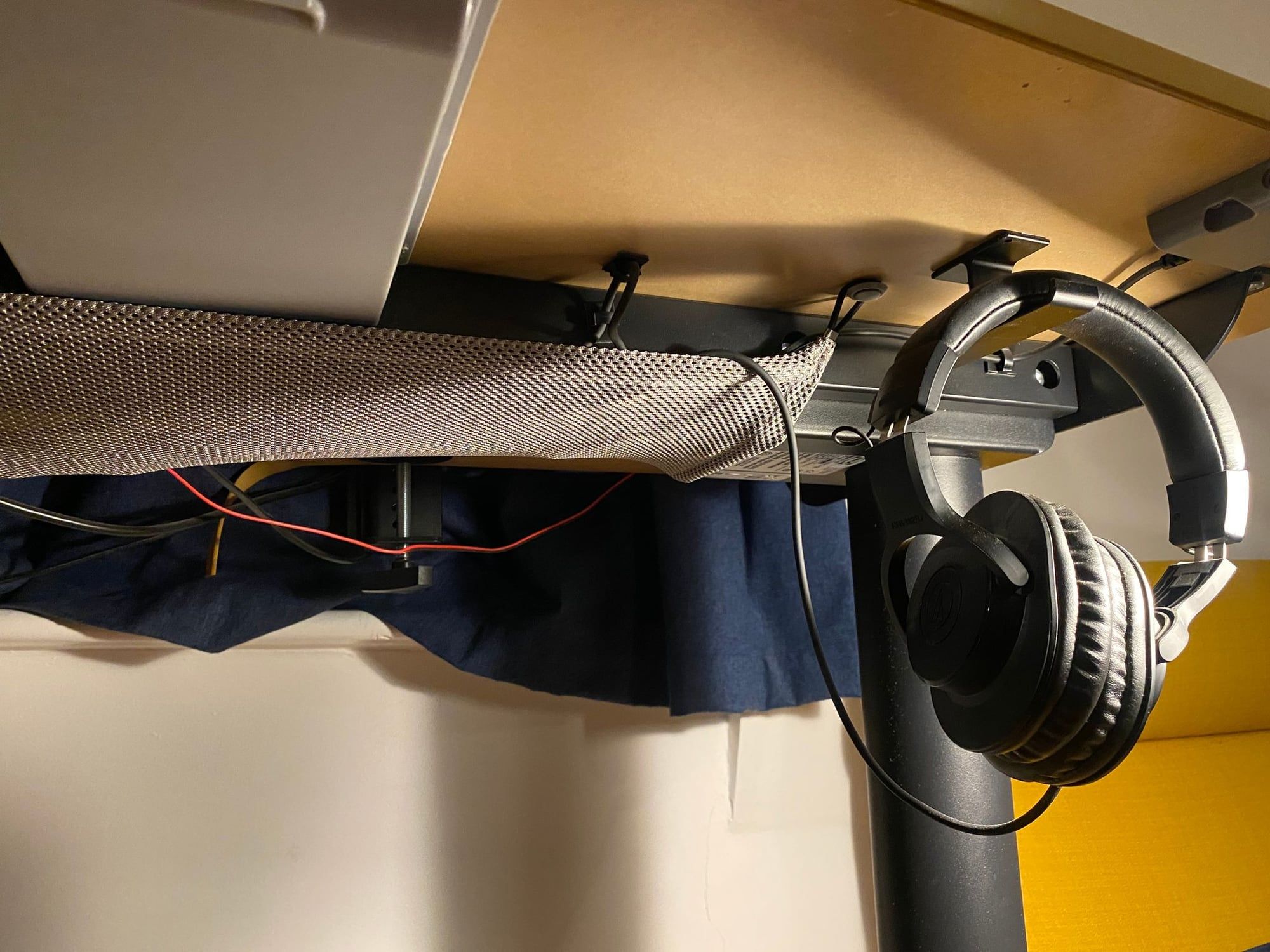
My desk speakers are PreSonus Eris E3.5 Studio Monitors, which are absolutely incredible for the price. I only ever use my Audio-Technica ATH-M20X Headphones when editing audio or recording music, but they hang under the desk and are wired into the mic via a long 3.5mm cable.
Peripherals
I use a wireless Apple Magic Keyboard and Mouse, and occasionally a Magic Trackpad. There’s an Anker wireless charging pad for my phone or AirPods on the desk.
After a succession of cheap inkjet printers which never worked when I needed them, I now have a Brother HL-1110 Mono Laser Printer under the desk for the rare occasions when I need to print stuff. And an Apple SuperDrive for the even rarer occasions where I need to deal with CDs & DVDs.
I use SanDisk Extreme 1TB SSDs for storing archived video footage and other large backups, none of which are permanently connected.
Laptop, Dock & Cabling
My 14” MacBook Pro has a 12-core M2 chip, 32GB RAM and a 1TB SSD. This is more than powerful enough for my needs.
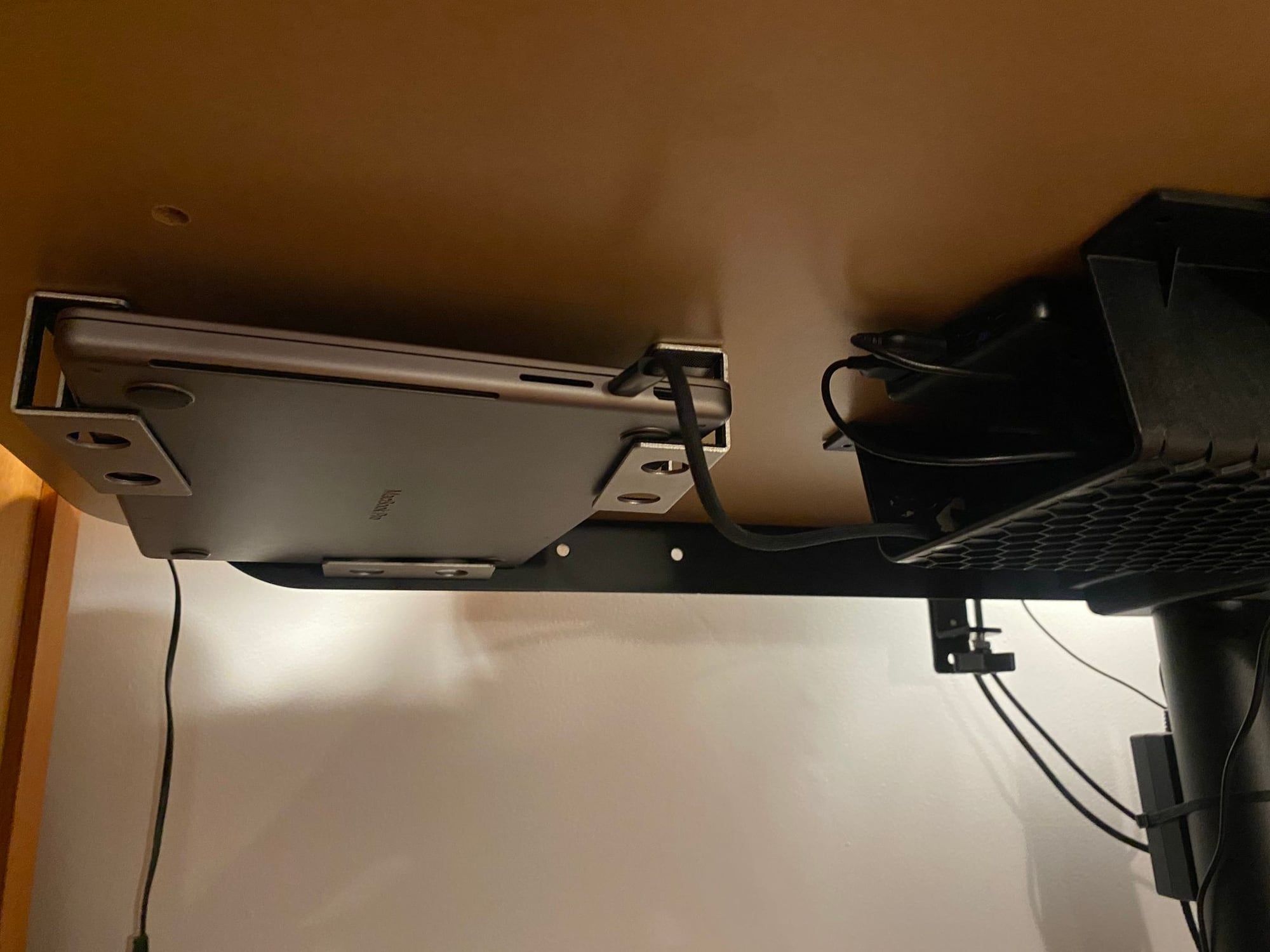
When at my desk it lives in a JEMACHE Under Desk Mount, connected by a single 1.8m Apple Thunderbolt 4 Cable to a CalDigit TS4 dock. Both were pretty expensive but the convenience of having everything just work via a single cable is worth it.
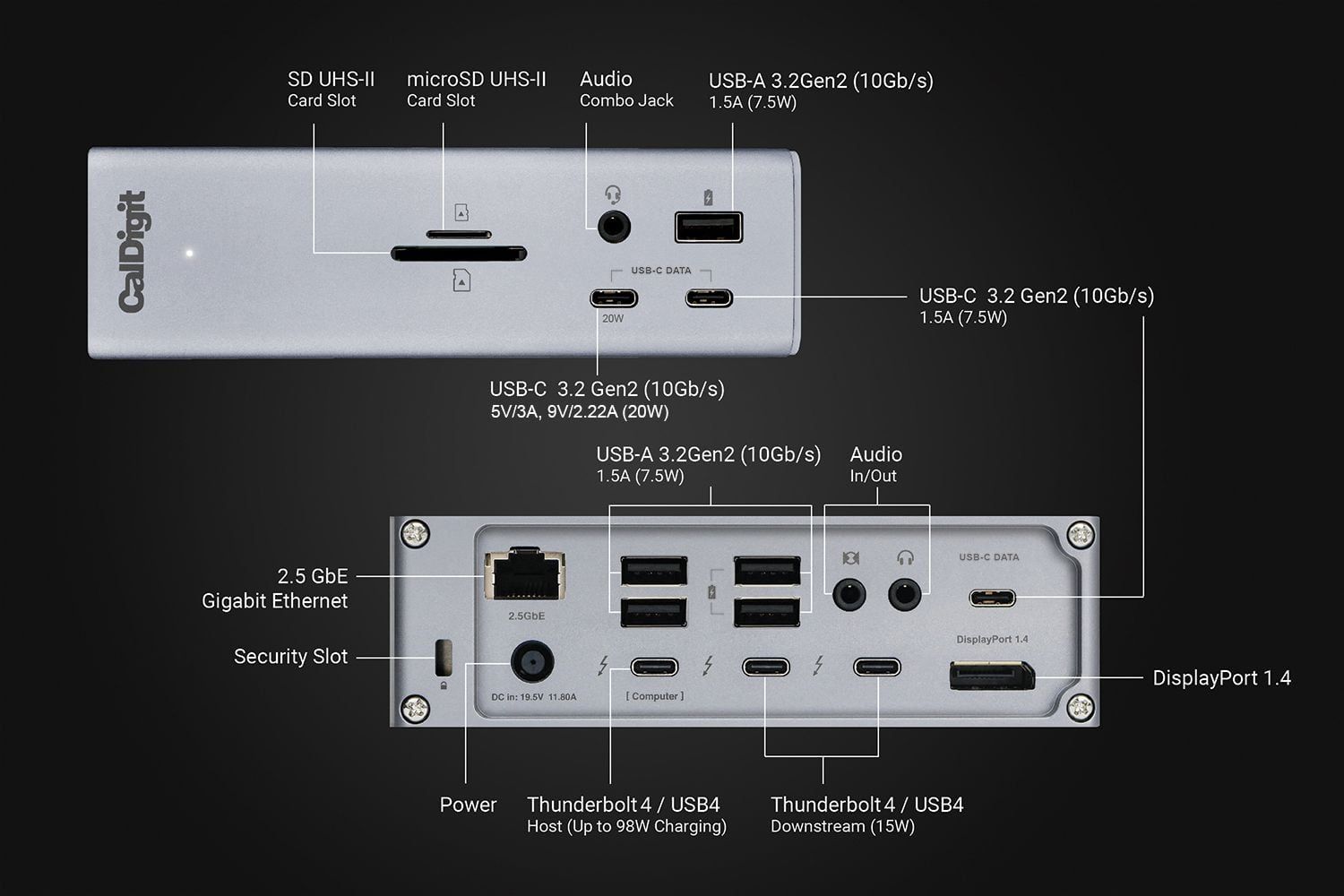
The front ports are left free for me to connect external storage and devices, the back is permanently wired like this…
- USB-A → Printer
- USB-A → Blue YETI microphone (and therefore headphones too)
- USB-A (powered) → Dongle for Logitech G PRO Wireless Gaming Mouse
- USB-A (powered, not used)
- Audio Out → Speakers via 3.5mm jack
- Audio In (not used)
- Thunderbolt 4 Host ← Connection to MacBook
- Thunderbolt 4 → Main monitor HDMI
- Thunderbolt 4 → Camera, via a Cam Link 4K
- USB-C Data (not used)
- DisplayPort → HDMI to second monitor via CalDigit adaptor
Lighting
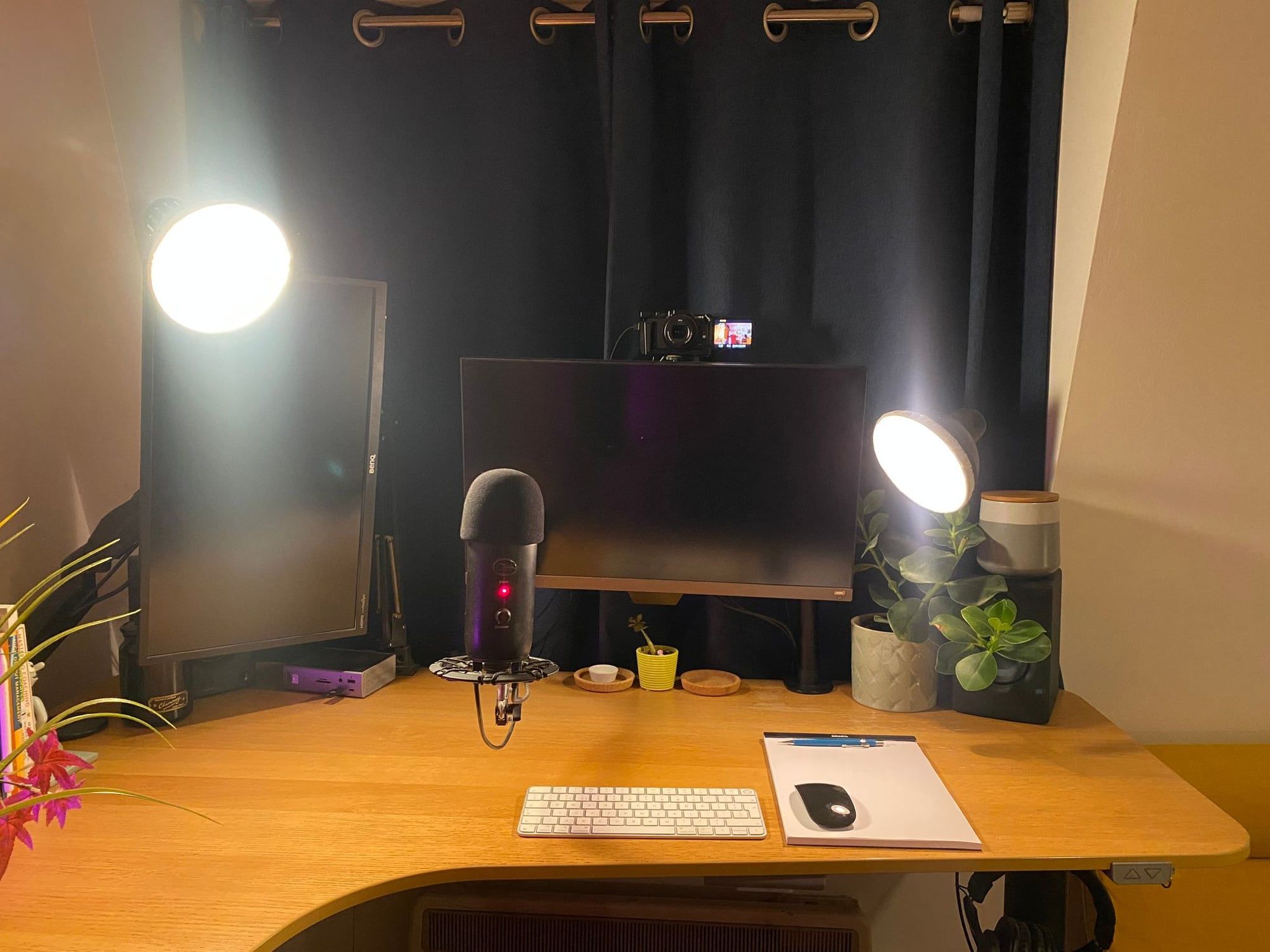
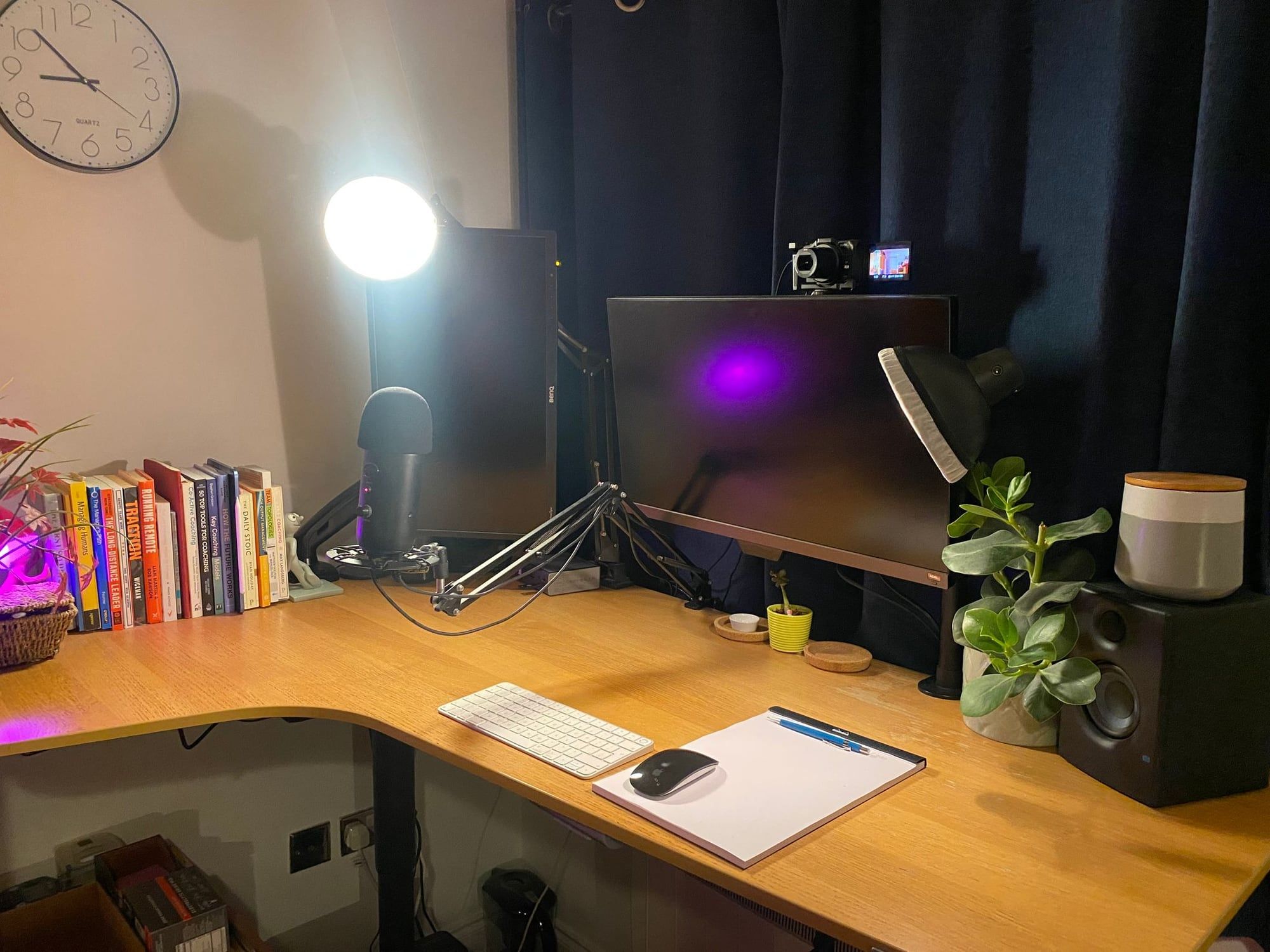
Because my desk is in my bedroom, I don’t want any big ugly studio lights. Despite this, I’ve managed to get a pretty good lighting setup with some super cheap lamps and some less-cheap Philips Hue bulbs…
The desk has three lamps on it:
- Ikea SKURUP lamp - Clipped to my monitor arm and fitted with a diffuser sock. This is my main desk lamp but I also use it as a key light when recording videos. Doubles up as a reading lamp when I’m sat in my reading chair next to the desk.
- Ikea TERTIAL work lamp - Main fill light when I’m on video, also fitted with a diffuser. It either sits right next to my camera or off to the left above my third monitor depending on what I’m doing. When I’m not on video it’s hidden away behind the second monitor to provide coloured mood lighting.
- Old desk lamp - Adds some interest when I’m on video, and helps light the left of my desk when I’m not.
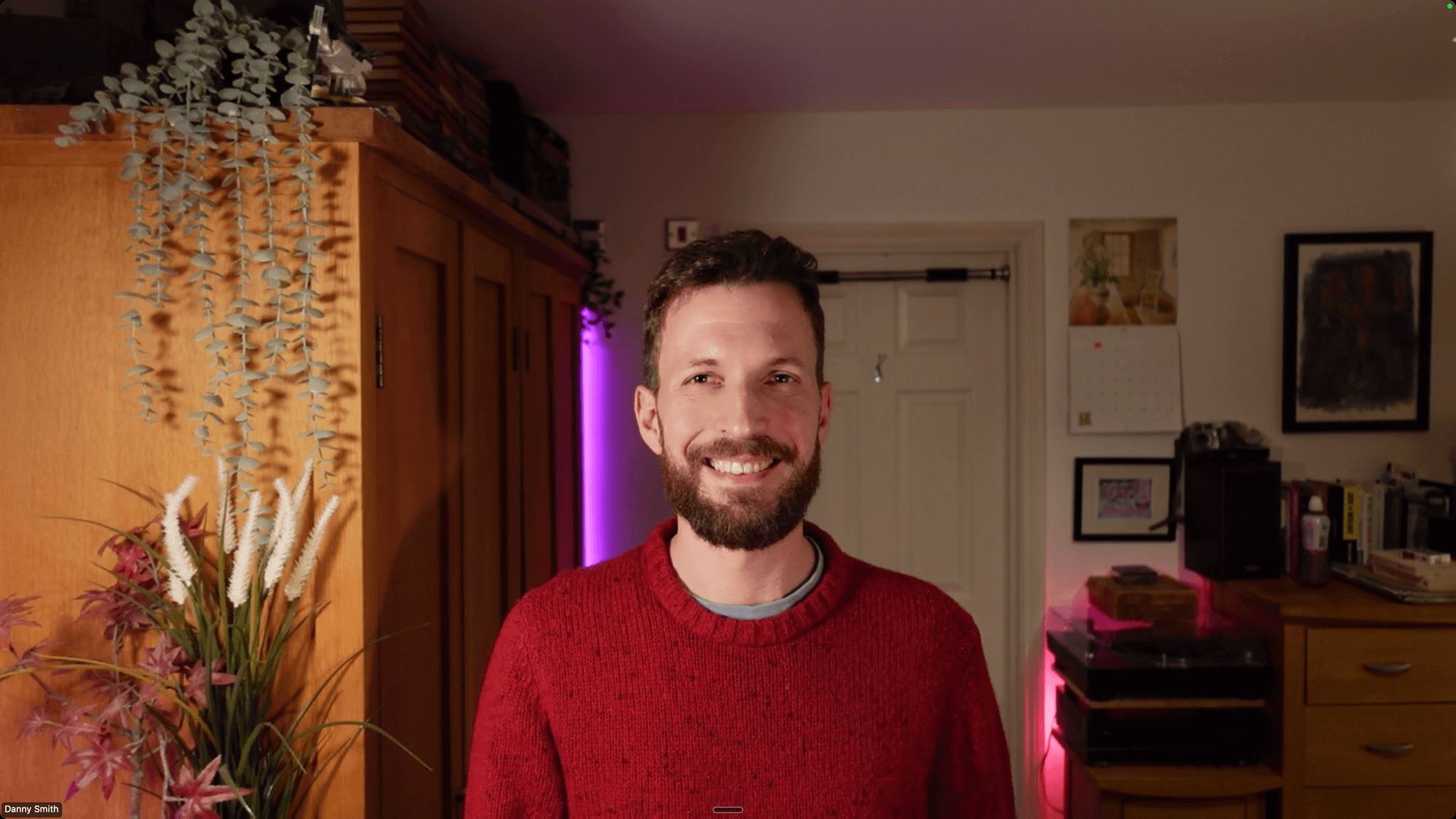
I also have Hue lights elsewhere in the room, which allows for a lot of control when choosing my background for video stuff.
On the Desk
Besides the above and a mug of tea…
- Notepad & pencil - A nice Rhodia dot grid notepad which doubles up as a mouse mat and a PENTEL Automatic Pencil.
- Plants - A fairly recent addition. I don’t know why I didn’t have desk plants before. There are also some fake plants on the left to add some interest to the giant wardrobe when I’m on video.
- Coasters & snack pot – some nice cork coasters for drinks and a big pot for nuts & dried fruit.
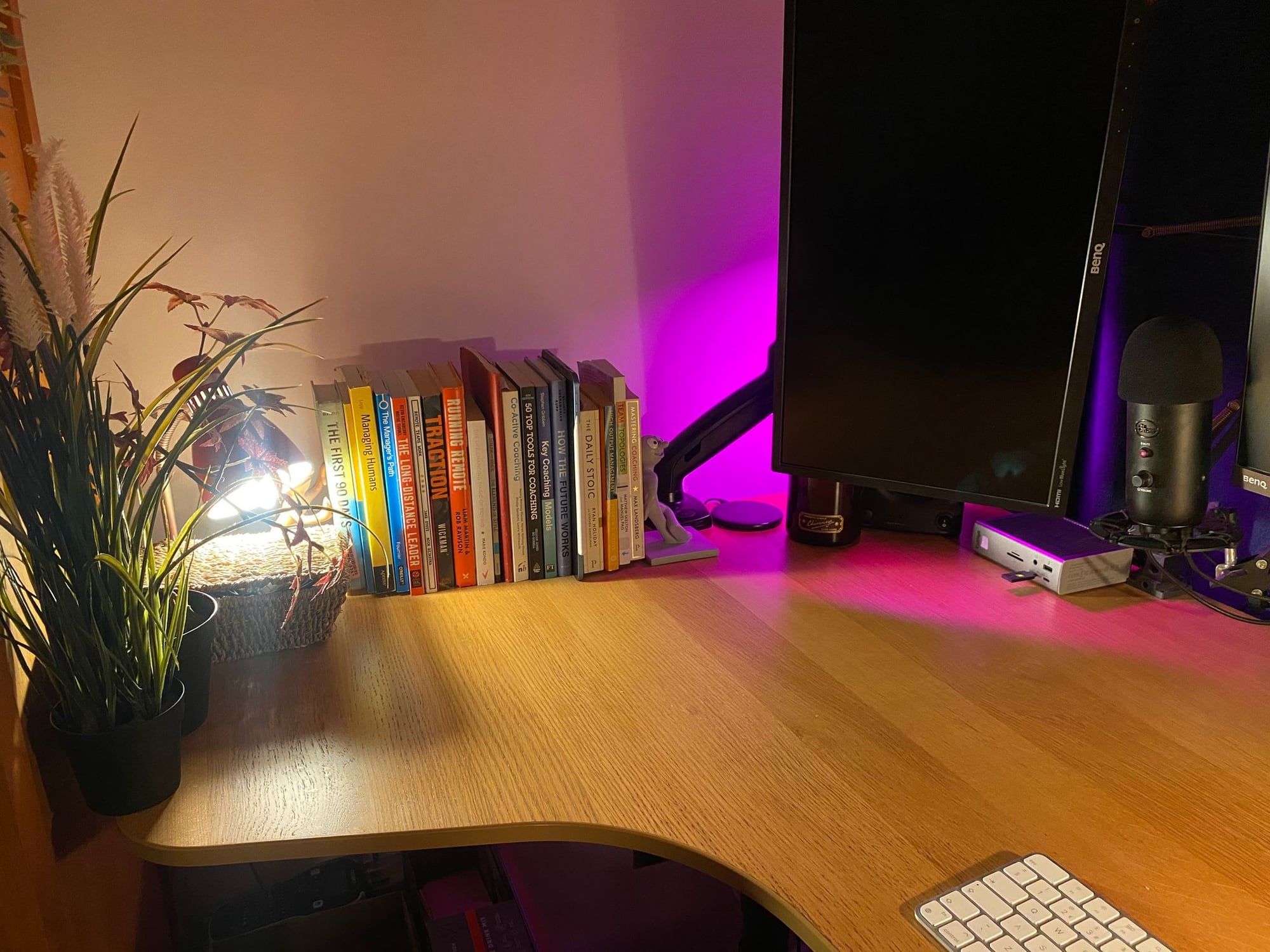
- Books and bookends - Morph and Chas are holding up the books I’m currently reading, along with my iPad.
Under the Desk
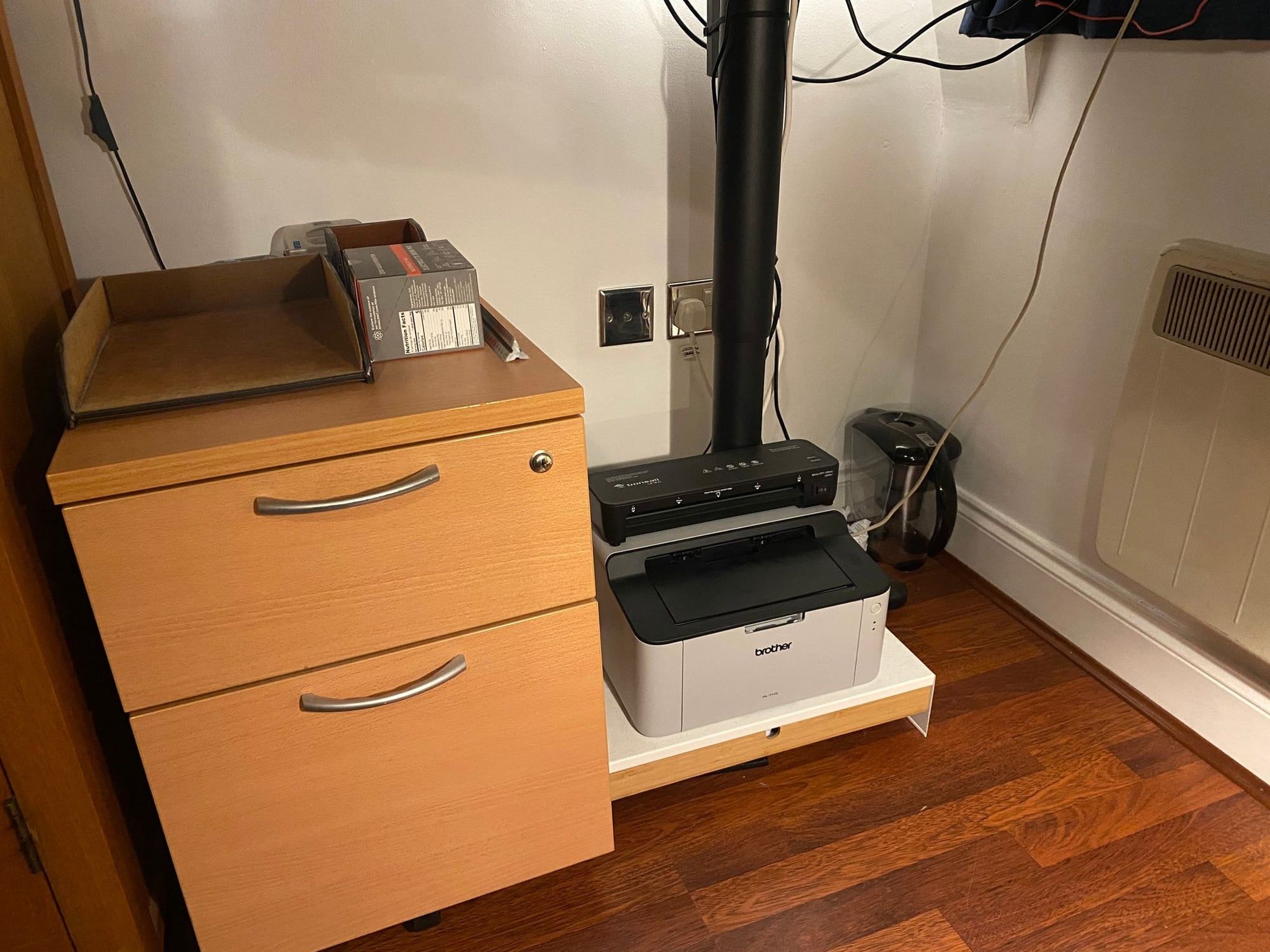
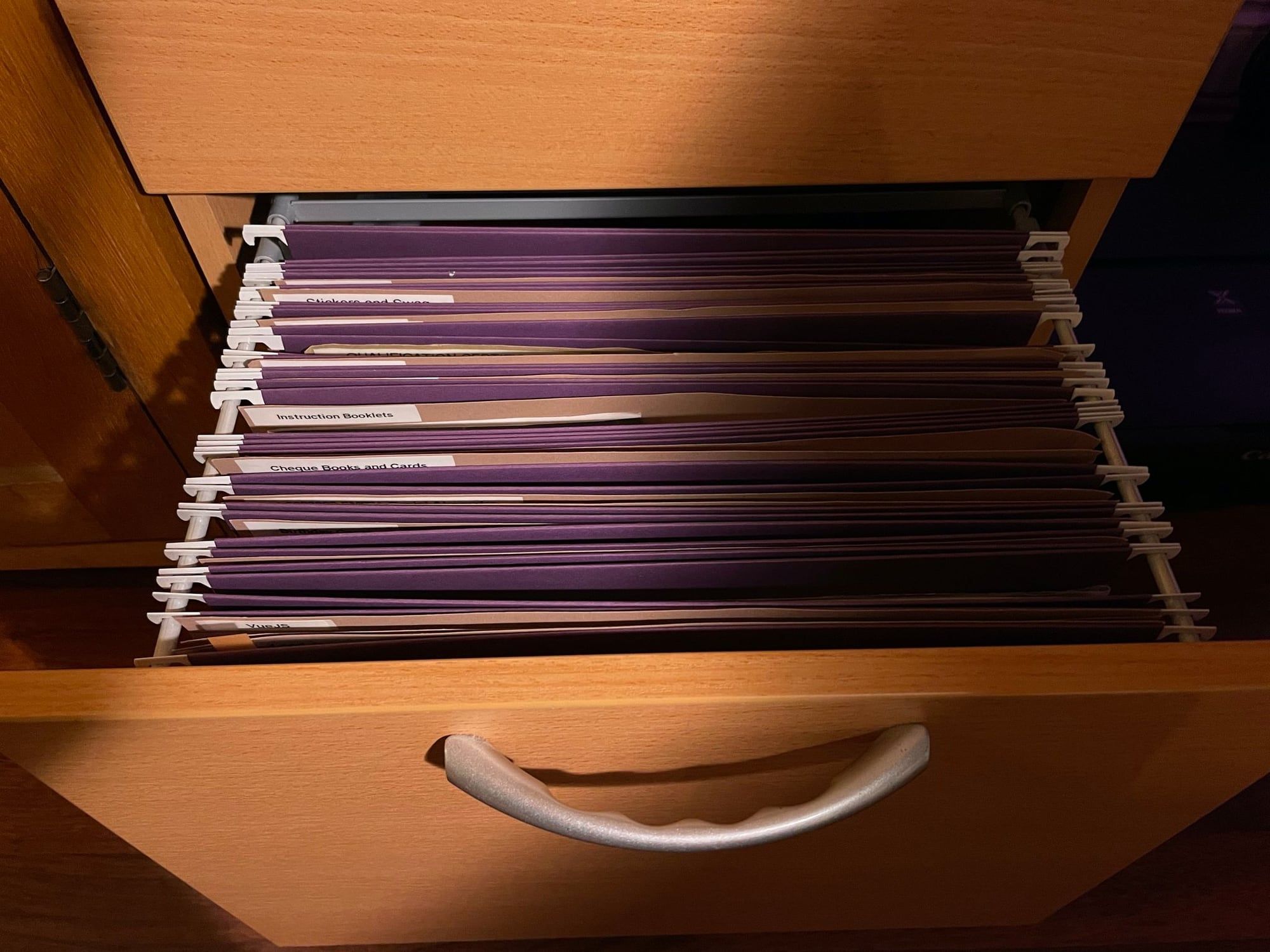
Under the desk to the left is a pedestal I rescued from an office years ago. The bottom drawer has all my paper files, organised in buff folders with fancy printed labels (this is a habit I picked up from David Allen’s GTD years ago). The top drawer is normal office stuff, wires and Apple SuperDrive.
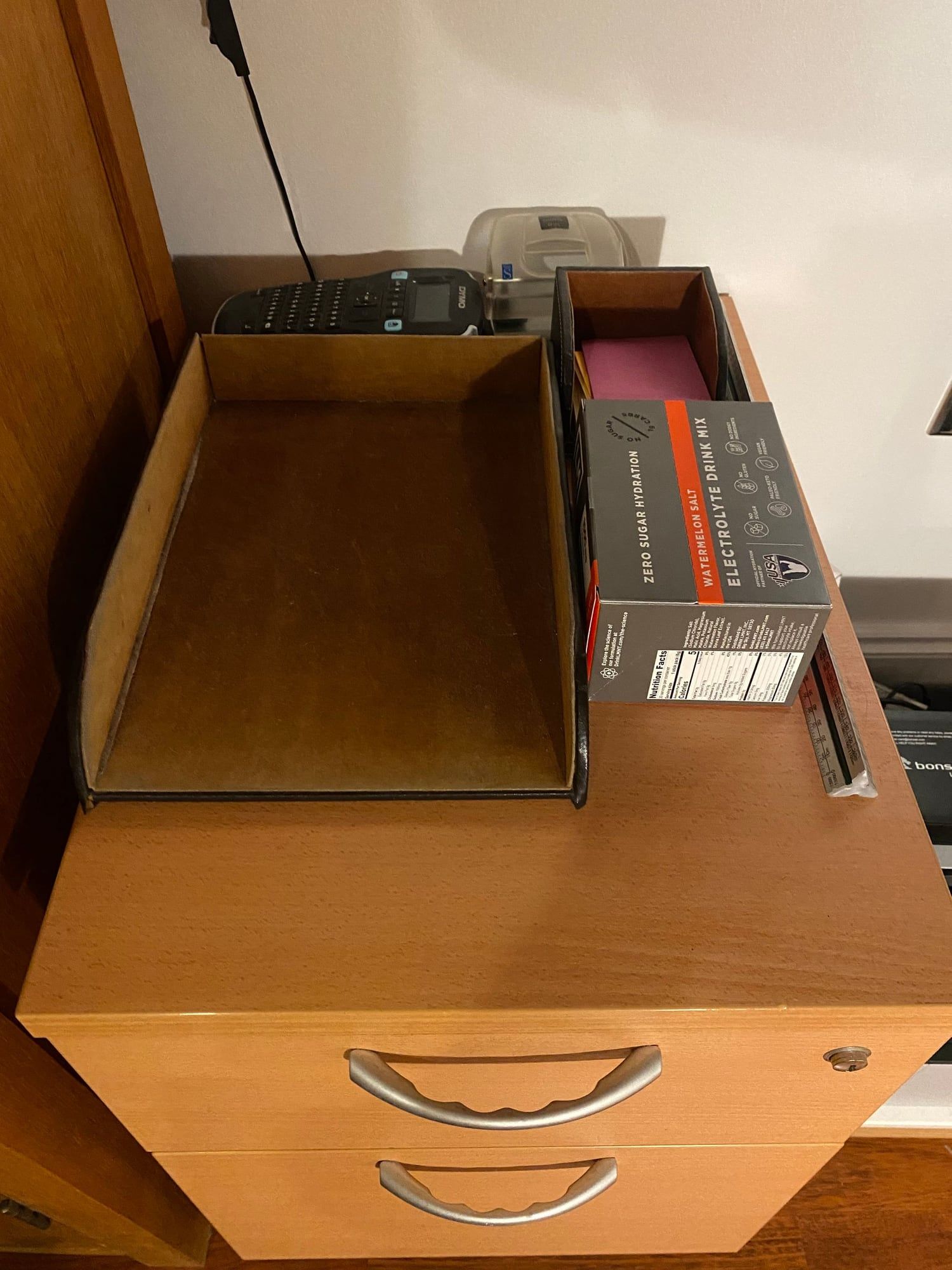
Atop the cabinet is a stack of post-its, a physical in-box (again, thanks GTD) and some other bits I reach for regularly.
Power
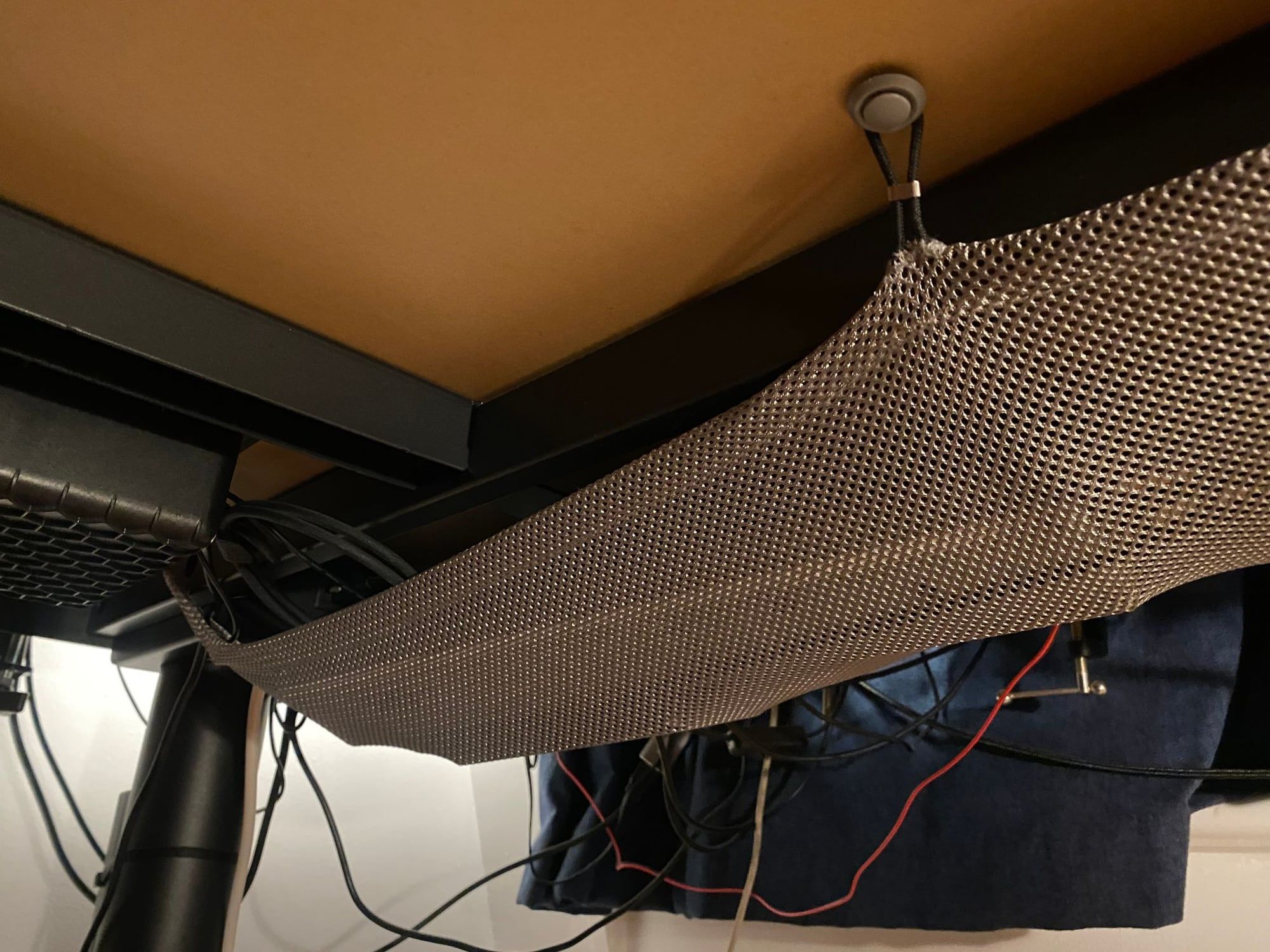
An Anker Powered USB Hub mounted under desk powers the camera and wireless charging pad, and gives me two spare USB-C ports for charging other devices. The whole desk is powered from a double wall socket via two power bars:
- Six-way suspended under desk → Dock, monitors x 2, speakers, lamps x 2, USB Hub.
- Four-way behind cabinet → Corner lamp, standing desk, printer.
The Evolution of My Desk
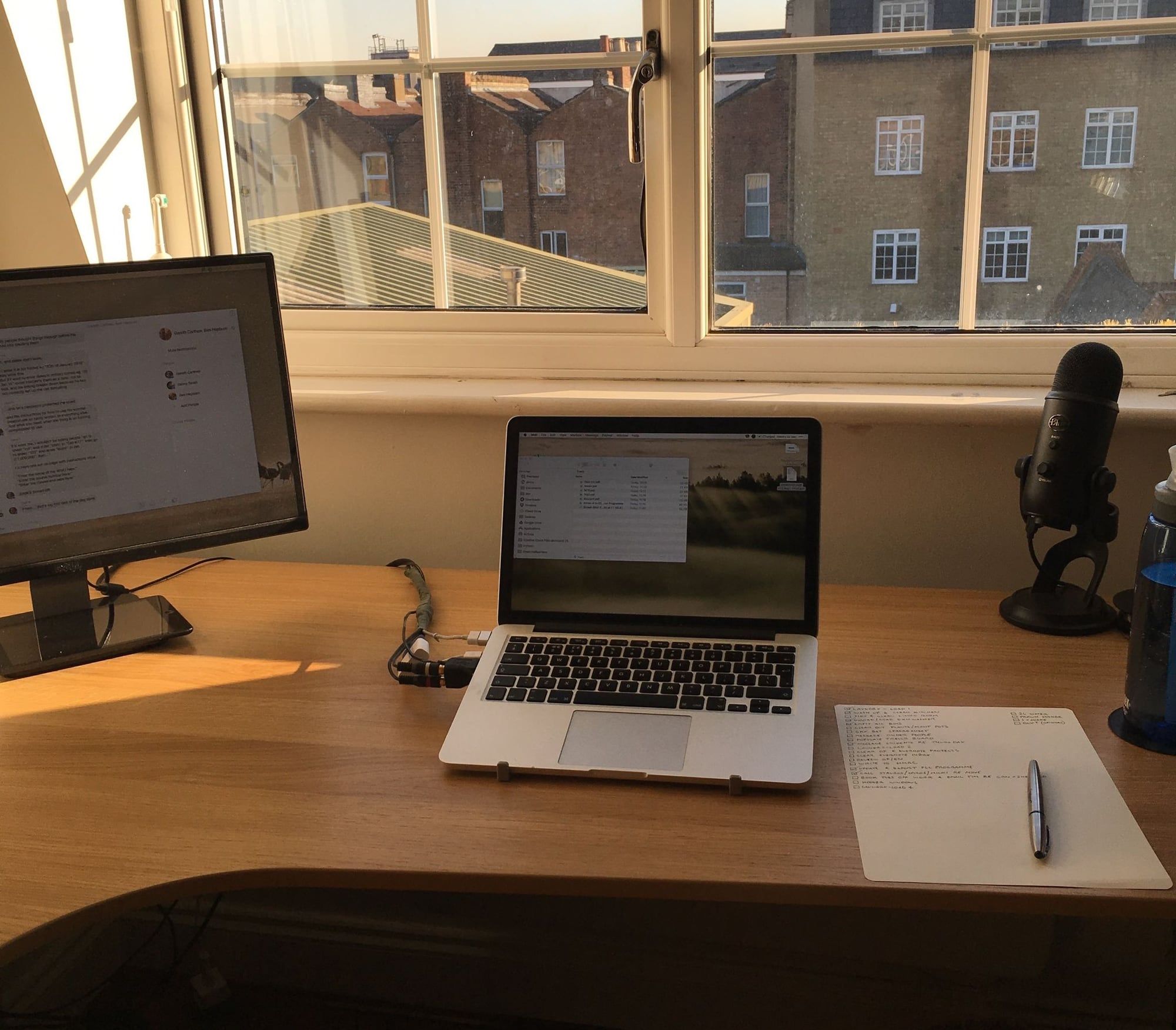
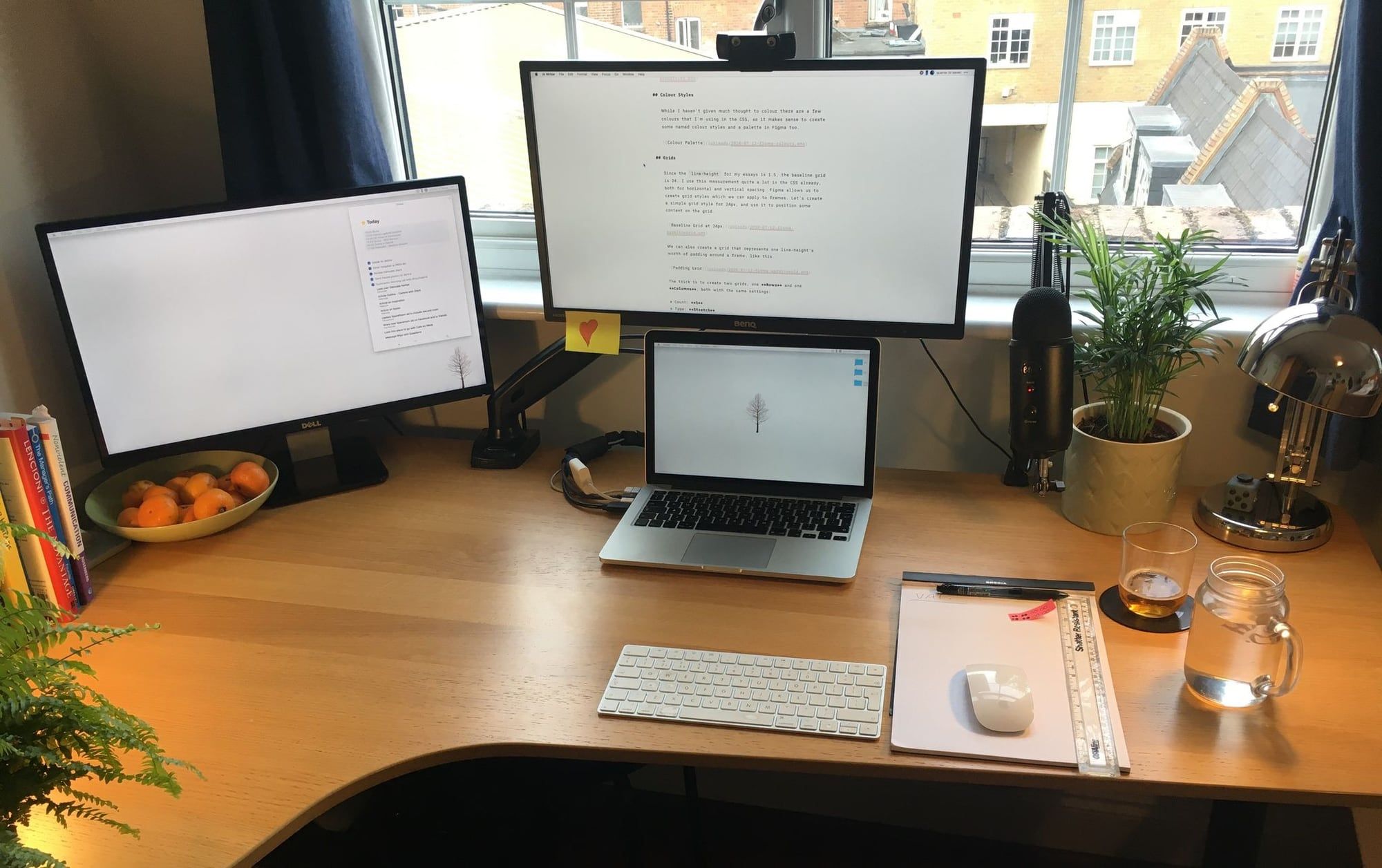
Like all the best things, my desk setup has evolved slowly over the last six years. It started as a laptop and a cheap-ish dell monitor precariously balanced on an ironing board. When this became unworkable I took a trip to Ikea and got a desk, chair and lamp. A bit later I bought the Yeti mic and it pretty much stayed that way for a long time. I collected a few other bits (like the filing cabinet) along the way - mostly for free.
When I started working entirely remote in 2018 I needed a better monitor mounted directly in front of me, which is also when I bought the mic arm, webcam, wireless peripherals and printer.
I upgraded again in early 2021 by adding a standing desk base, some shelves and drawers under the desk and a large fill lamp, and then again when I got a new laptop in 2024.